Development
During one of my usual LinkedIn scrolling sessions over the last few weeks, I somehow came across a post by Bruno Paulino, an engineer at Buffer, about his new website: bpaulino.com.
His work immediately caught my attention.
He built the whole visual identity of his website around a terminal, which is the kind of thing nerds like me find brilliant. After seeing it, I simply couldn’t rest until I had something like that for myself.
But I wanted to go a little deeper into the madness.
Instead of a terminal, I wanted to build a website around a cozy pixel-art/game-inspired design system. I mean, who doesn’t like some Stardew Valley-style art, right?
Okay. The mission was clear.
Then came the obvious problem:
“How the hell am I going to design all the components and styles that are floating around in my head?”
My first reaction was to open Figma and try to design everything myself because design is my passion.
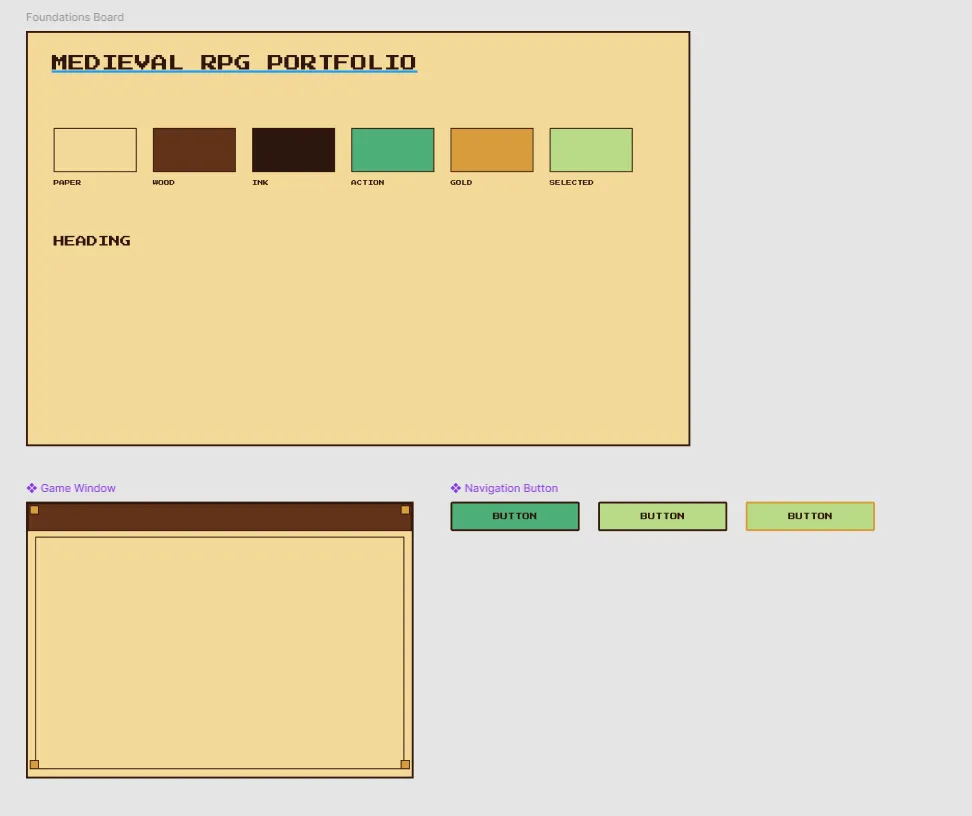
It ended up looking like this 💀:
Yeah.
Definitely not the worst thing in the world, but also definitely not something that would spark joy in anyone visiting my website.
So I decided to abandon the idea of designing everything myself and give Astra 6’s design skills a try.
I sent the WIP I had already created to Codex and explained the idea as clearly as I could, following the best guide I’ve found on the subject: PostHog’s Vibe Designing.
If you’re as much of a design noob as I am, I highly recommend it.
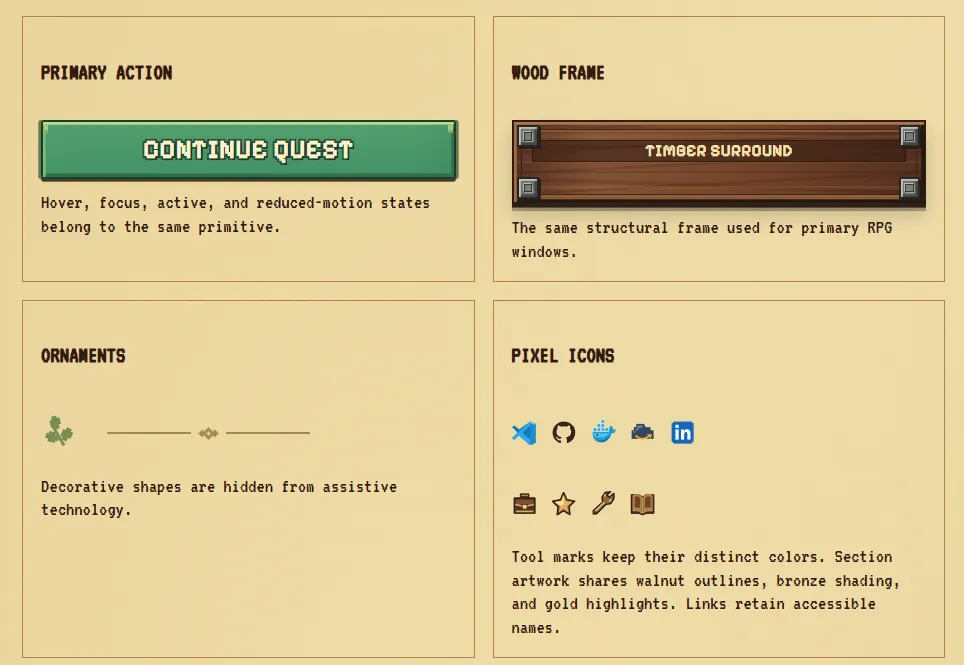
A few iterations later, I ended up with a cozy design system that I was genuinely happy with.
Here’s just a small spoiler, but I recommend checking out bernardosevero.dev/system to see the whole thing.
And well… you can probably imagine how the rest went.
Once I had the design system, I created a fresh repository and defined the features I wanted for the MVP:
- an About Me page
- my projects
- the books I’m reading
- and a posts section, which is probably where you’re reading this right now
For the implementation, I decided to use Astro + Vanilla CSS, and I’ve been surprisingly impressed with Astro.
It feels almost purpose-built for this kind of website. I was able to get a functional version of the site up and running very quickly without introducing much unnecessary complexity.
For deployment, I bought the domain through Cloudflare and used Cloudflare Pages + GitHub Actions to deploy the static site.
Tech stack
- Astro for static pages and content collections
- Vanilla CSS for styling
- Markdown/MDX for posts, projects, and book reviews
- A single JSON catalog for books
- Playwright + axe-core for behavior, overflow, and automated accessibility checks
- PostHog for analytics
Feel free to check out the code for the MVP on GitHub:
github.com/bernardosevero/bernardosevero.dev
And feel even more free to explore the actual website: